 Thumbnails
Roblox thumbnails, made from your game.
Paste your game link, upload your characters, or describe the moment. You get four 16:9 thumbnails or a game icon, with your title drawn into the art.
Your first four are free.
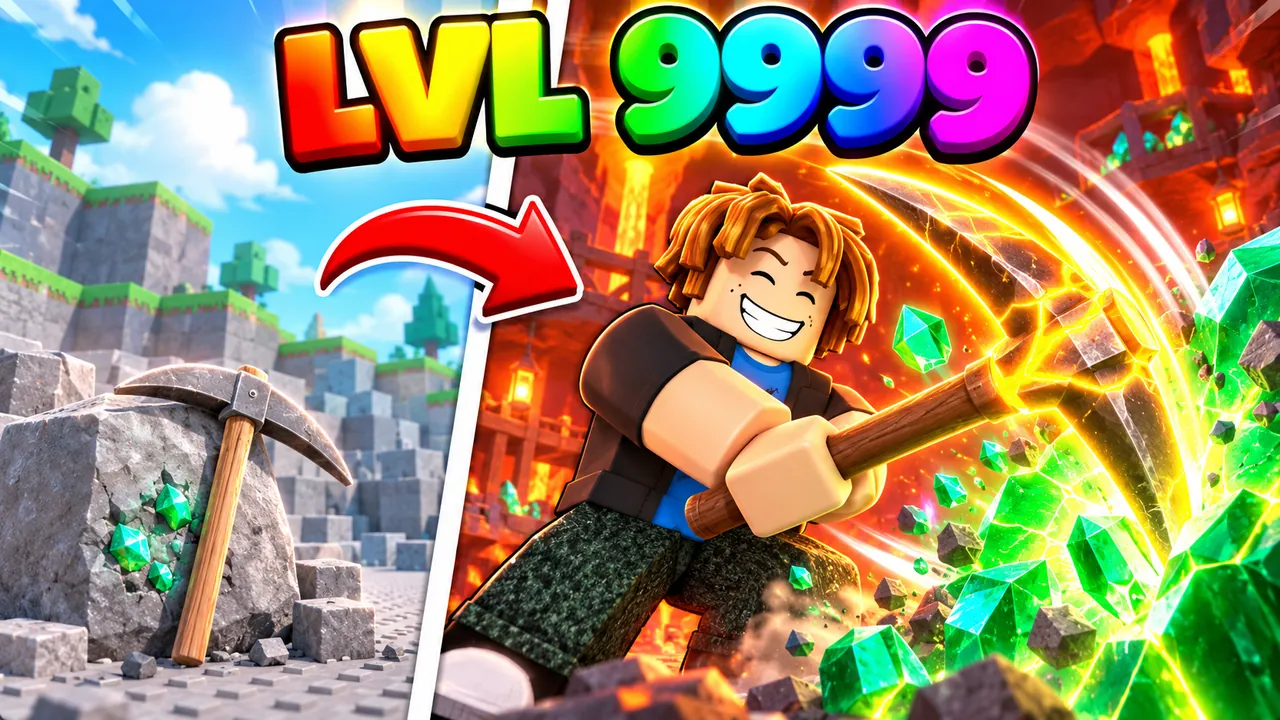
Made with Ropilot Thumbnails
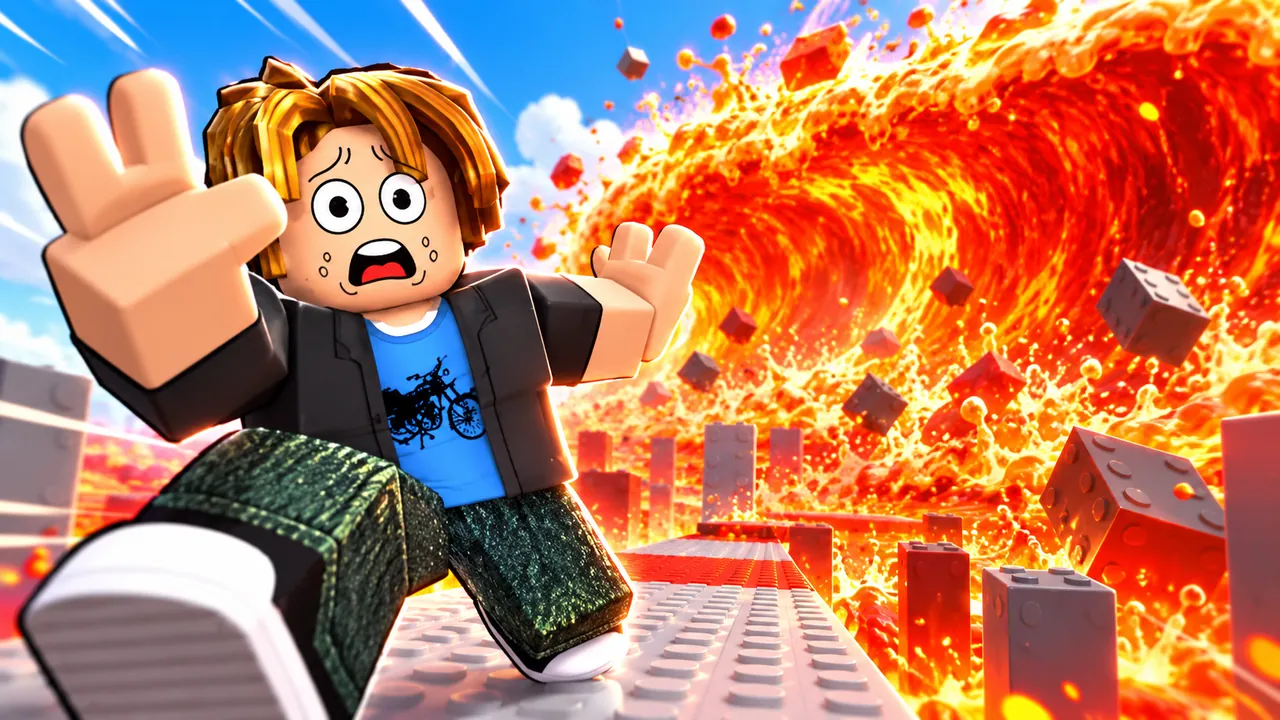
Unedited results. The request is under each one.
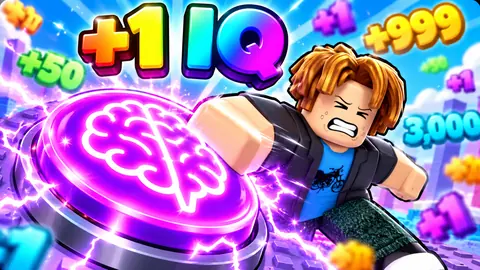
+1 IQ clicker, glowing brain, giant purple IQ button
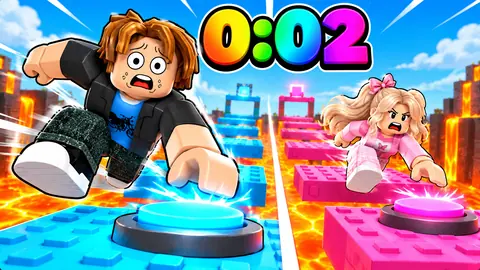
boy vs girl lava obby race, 2 seconds left
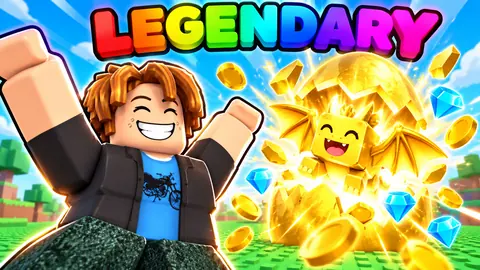
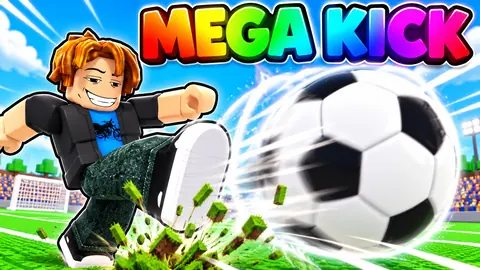
mega kick football simulator, title MEGA KICK
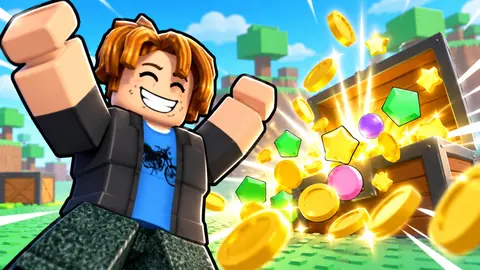
treasure hunt tycoon: collect all these items
How to make a Roblox thumbnail
Start from your game
Paste your roblox.com link, upload characters or screenshots, or just describe the moment.
Set the shot
16:9 thumbnail or square icon. Add a title in quotes, pick a look, or leave it open.
Download and upload
Keep the one you like, ask for a variation, then upload it in the Creator Dashboard.
Built for Roblox, not for everything
- Your characters stay yours
- A game link brings in your game's name, description and art, so the result looks like your game.
- Title on the image
- Your game's name or a hook like "LVL 1 VS LVL 9999", drawn into the art. Or none.
- Reads at Discover size
- One hero, one moment, big shapes. Composed for the small card players scroll past.
- Variations of any result
- Keep the hero, change the moment. Or turn a thumbnail into a matching icon.
- Four at a time
- Every request gives you four to choose from, at full resolution.
- On the web and in Ropilot Studio
- Same account, same history, in the browser or the Thumbnails tab of the desktop app.
Game icons, too
Switch the format to Icon for a square game icon that still reads when Roblox shrinks it.
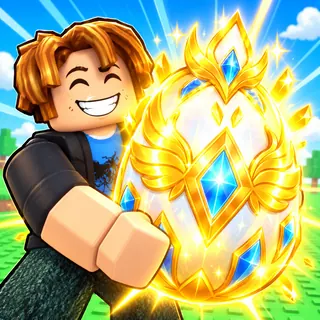
Roblox game icon maker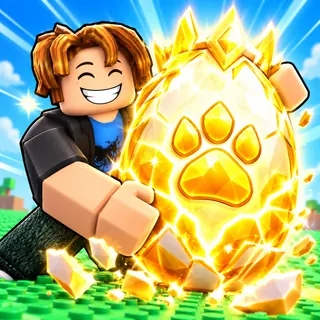
Pricing
Start free. Thumbnails come with Ropilot Plus, along with the Ropilot AI that builds your game in Roblox Studio.
Ropilot Plus
A steady stream of credits every week, plus the smartest models and highest reasoning, always on.
Cancel anytime · weekly credits refresh automatically
- 80 thumbnails a month included, then 0.5 Credits each
- Get 50 credits now
- 50 Ropilot Credits every week
- ≈ 100 Ropilot Advanced prompts / 250 Ropilot Blaze prompts weekly at current rates*
- Access the latest frontier models, including Opus 5.5 (new)
- Priority AI — faster responses at peak times
- Use GPT-6 Luna (free model) much more each day
- High and Extra High reasoning options
- 2 API keys — share your credits or use two PCs
- Built-in AI + Studio actions
- More benefits soon
*Actual usage may vary. Based on averages observed during testing.
Questions
Is this Roblox thumbnail maker free?
Your first batch of four thumbnails is free, once per Ropilot account, at the same quality as the paid plan. After that, Ropilot Plus ($20 a month) includes 80 thumbnails a month along with the full Ropilot AI for Roblox Studio.
Can I make a Roblox thumbnail from my game link?
Yes. Paste your roblox.com game link and Ropilot Thumbnails reads your game's name, description and existing art, then uses them as reference, so the characters and setting look like your game rather than a generic one.
What size is a Roblox game thumbnail?
Roblox asks for 16:9 thumbnails, ideally 1920×1080 and under 3 MB, and shows them much smaller on the Discover page. Ropilot Thumbnails makes 16:9 images for that slot, composed to read at small sizes.
Can it put my game's title on the thumbnail?
Yes. Type the title or a hook in quotes, like "LVL 1 VS LVL 9999", and it is drawn into the art. Leave it out and you get a clean image with no text.
Does it make Roblox game icons too?
Yes. Switch the format to Icon and you get square game icons, larger than Roblox's 512×512 minimum, built to stay readable when Roblox shrinks them. More on the Roblox game icon maker page.
Can I use my own characters or avatar?
Yes. Upload screenshots, renders or character art from your game and they are used as reference for the hero, pose and setting.
How do I upload a thumbnail to my Roblox game?
Open the Creator Dashboard, pick your experience, go to Configurations, then Places, choose the start place and open Thumbnails. Upload the image there; icons go under Icon in the same menu. You can also add them from Roblox Studio under File, then Experience Settings.
Can I use the thumbnails for YouTube videos about Roblox?
Yes. They are 16:9, the same shape YouTube uses for video thumbnails.